
Introduction
Security engineers constantly monitor vulnerability feeds, advisories, and threat intelligence sources to stay ahead of emerging risks. However, the reality is:
- RSS feeds are noisy
- Thousands of CVEs get published regularly
- Most alerts are not relevant to your environment
This leads to alert fatigue, wasted time, and missed critical issues.
To solve this, I built a lightweight automation workflow that filters threat intelligence based on your actual environment and delivers only relevant alerts — without relying heavily on AI.
Introduction
Security engineers constantly monitor vulnerability feeds, advisories, and threat intelligence sources to stay ahead of emerging risks. However, the reality is:
- RSS feeds are noisy
- Thousands of CVEs get published regularly
- Most alerts are not relevant to your environment
This leads to alert fatigue, wasted time, and missed critical issues.
To solve this, I built a lightweight automation workflow that filters threat intelligence based on your actual environment, and delivers only relevant alerts — without relying heavily on AI.
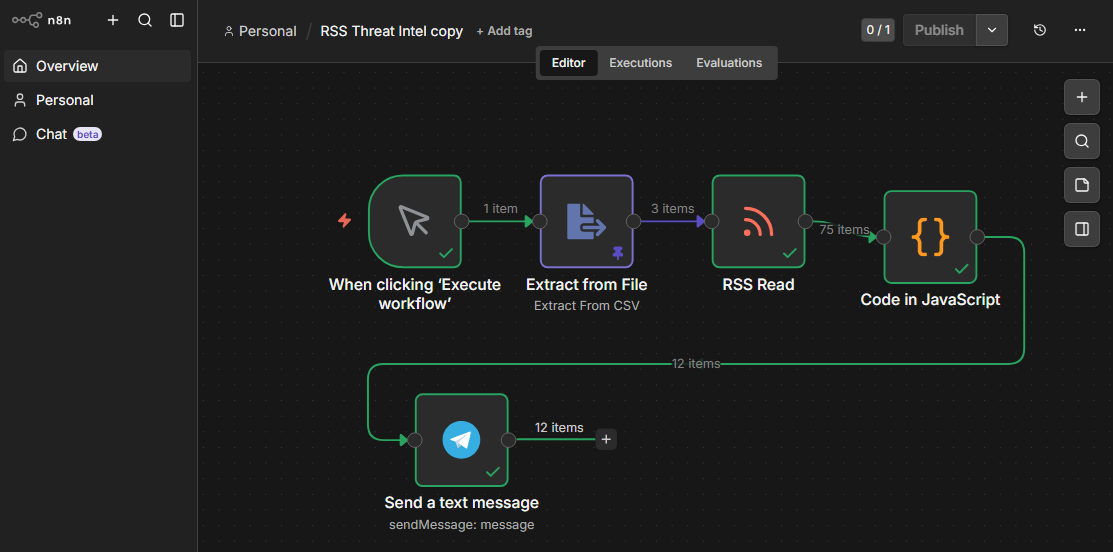
Solution Overview
This workflow automates:
- Fetching CVE data from RSS feeds
- Cleaning and parsing structured content
- Matching vulnerabilities against your software inventory
- Removing duplicates
- Sending alerts to messaging platforms (Telegram, Slack, Discord, Teams)
Architecture
RSS Feed (CVE Source)
        ↓
Code Node (Filter + Clean + Match)
        ↓
(Optional AI Enrichment)
        ↓
Notification (Telegram / Slack / Discord / Teams)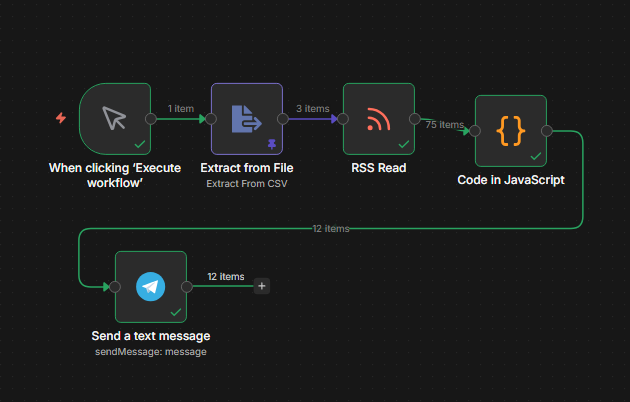
Key Features
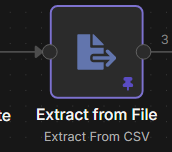
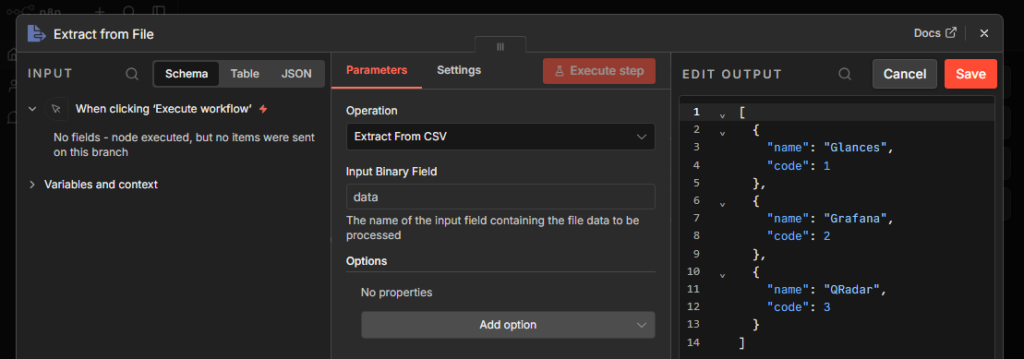
1. Environment-Aware Filtering
Instead of processing all CVEs, the workflow matches against:
- Installed software list
- Internal inventory (JSON / API)
- Custom keywords
Only relevant vulnerabilities are processed.
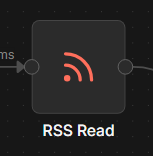
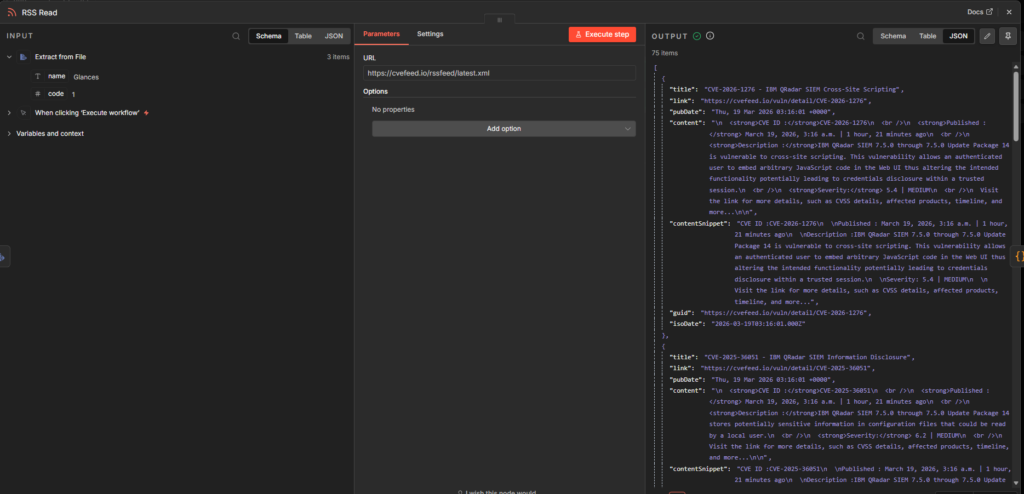
2. RSS Feed Input
Integrating Public RSS Feeds to workflow
3. CVE Filtering & Cleaning
let softwareItems;

try {
  softwareItems = $items("Extract from File");
} catch (e) {
  softwareItems = [];
}

// Build software list
const softwareList = softwareItems.map(item =>
  (item.json.name || "").toLowerCase()
);

// HTML cleaner
const clean = (text) =>
  (text || "")
    .replace(/<[^>]*>/g, '')   // remove HTML
    .replace(/\n/g, ' ')
    .trim();

// Filter + enrich
return items
  .filter(item => {
    const title = item.json.title || "";
    const desc = item.json.contentSnippet || item.json.content || "";

    const text = (title + " " + desc).toLowerCase();

    return softwareList.some(soft => new RegExp(`\\b${soft}\\b`, 'i').test(text));
  })
  .map(item => {
    item.json.cleaned = clean(item.json.contentSnippet || item.json.content);
    return item;
  });
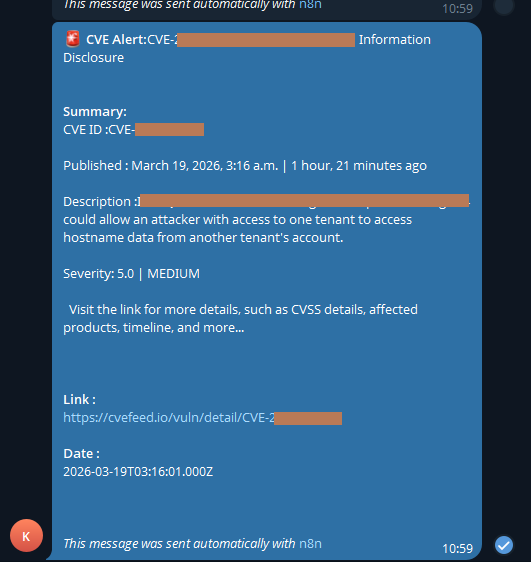
Sample Alert Output
 CVE Alert: CVE-2026-32609

Software: Glances
Severity: HIGH

Sensitive data exposure via API endpoints.

https://cvefeed.io/vuln/detail/CVE-2026-32609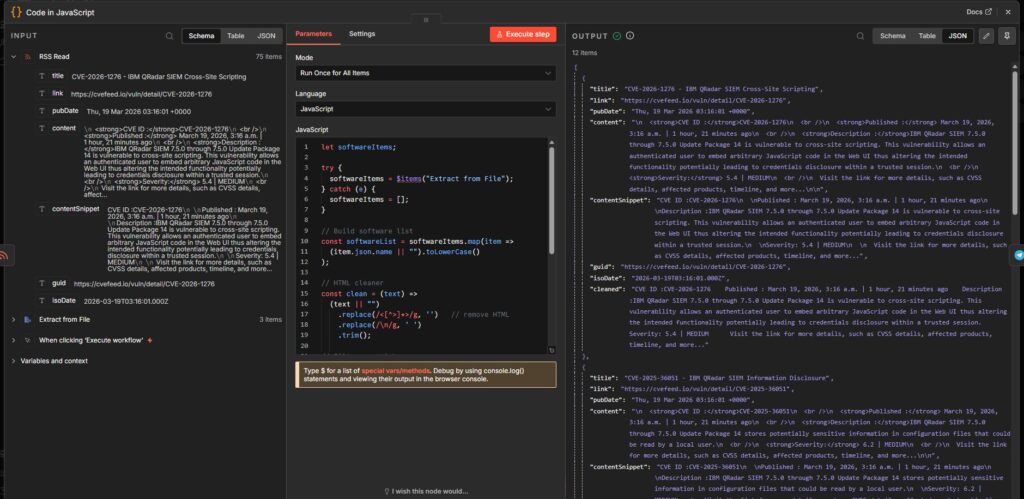
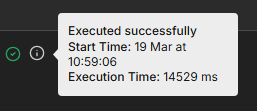
3. Lightweight & Fast
- No heavy AI dependency
- Runs in ~14 seconds
- Scales efficiently
4. Multi-Platform Notifications
Alerts can be sent to:
- Telegram
- Slack
- Discord
- Microsoft Teams
Why Not Use AI for Everything?
While AI is powerful, using it for:
- Parsing
- Matching
- Filtering
…is inefficient and slow.
Instead:
| Task | Best Approach |
|---|---|
| Data parsing | Code |
| Matching software | Code |
| Deduplication | Code |
| Risk analysis | AI (optional) |
This keeps the pipeline fast, reliable, and cost-efficient.
Sample Code Snippet
Benefits
- Reduced alert noise
- Context-aware threat intelligence
- Faster response time
- Easily integratable with SOC workflows
- Works for home labs and enterprise environments
Future Enhancements
- Version-based vulnerability matching
- Internet exposure detection
- AI-based exploitability scoring
- Integration with Grafana / SIEM tools
- Auto-fetch inventory via API
Conclusion
This workflow demonstrates that:
You don’t need complex AI pipelines to build effective threat intelligence automation.
By combining:
- Smart filtering
- Clean data processing
- Environment awareness
…you can build a powerful, scalable, and efficient security alerting system.
Acknowledgement
This workflow was built using n8n Community Edition.
Special thanks to the n8n team for providing a powerful and flexible automation platform that is freely available for home labs, personal use, and internal organizational workflows.
Their contribution significantly lowers the barrier for building practical automation in cybersecurity and beyond.