
Deploying OpenAEV with Docker: A Hands‑On Self‑Hosted Setup
OpenAEV is an open‑source platform focused on automated attack emulation, validation, and security testing. As part of my home‑lab and security experimentation, I recently deployed OpenAEV using Docker, following the official documentation and doing some real‑world troubleshooting along the way.
This post documents what OpenAEV is, why I wanted to try it, and how I installed it using Docker, including the common pitfalls I ran into.
Why OpenAEV?
Modern security teams need more than alerts — they need continuous validation. OpenAEV helps by:
- Running controlled attack simulations
- Validating security controls
- Integrating with collectors and injectors (MITRE ATT&CK, NVD CVEs, Atomic Red Team, etc.)
- Acting as a purple‑team / continuous security validation platform
For a home lab or SOC‑style environment, it’s a great way to understand how detections and responses behave in practice.
OpenAEV Platform Editions
The OpenAEV platform is available in two editions, designed to serve different use cases:
🔹 Community Edition (CE)
- Open-source edition
- Licensed under Apache License 2.0
- Suitable for learning, experimentation, and community-driven deployments
🔸 Enterprise Edition (EE)
- Commercial edition
- Licensed under the Enterprise Edition license
- Provides advanced features that require additional research and development investment
- Can be enabled directly from the platform settings
To understand the additional capabilities offered by the Enterprise Edition, refer to the Enterprise Editions page on the Filigran website.
The Enterprise Edition can also be evaluated by enabling it within the platform settings.
Deployment Approach
I followed the official Docker deployment guide:
👉 https://docs.openaev.io/latest/deployment/installation/
The Docker setup spins up multiple services, including:
- OpenAEV core API
- PostgreSQL
- Elasticsearch
- RabbitMQ
- MinIO (S3 compatible storage)
- Collectors & Injectors
This makes Docker the easiest way to get started without manually wiring all dependencies.
Step 1: Clone the OpenAEV Docker Repository
mkdir openaev
cd openaev
git clone https://github.com/OpenAEV-Platform/docker.git
cd docker
Step 2: Environment Configuration
Copy the sample environment file:
cp .env.sample .env
nano .env
Key values I configured:
- OPENAEV_HOST / OPENAEV_PORT – Where the UI and API will be exposed
- OPENAEV_ADMIN_EMAIL / PASSWORD – Initial admin login
- OPENAEV_ADMIN_TOKEN – Mandatory UUIDv4
To generate a valid UUID:
apt install -y uuid-runtime
uuidgen
Paste this value into:
OPENAEV_ADMIN_TOKEN=<generated-uuid>This token is required for agent registration and internal authentication.
Step 3: Docker Compose Bring‑Up
Once the environment file was ready:
docker compose down
docker compose up -d
Because OpenAEV uses Elasticsearch and multiple services, startup takes time. I monitored the containers using:
docker ps
docker compose logs xtm-openaev-1
At times I had to stop and remove containers during tuning:
docker stop <container_id>
docker rm <container_id>
This was mainly required while adjusting memory, ulimits, and environment variables.
Step 4: Verifying Services
Once all containers were healthy:
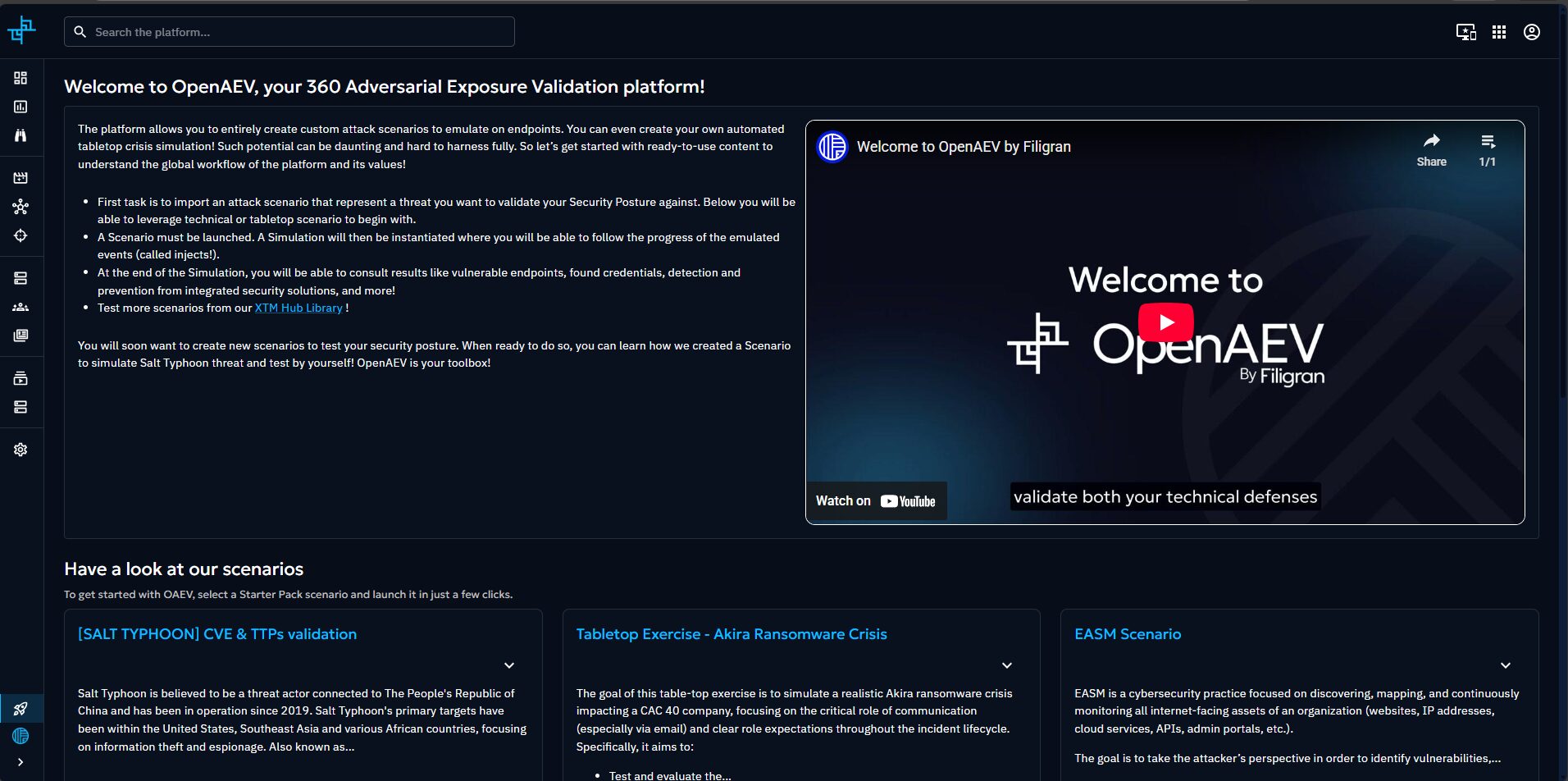
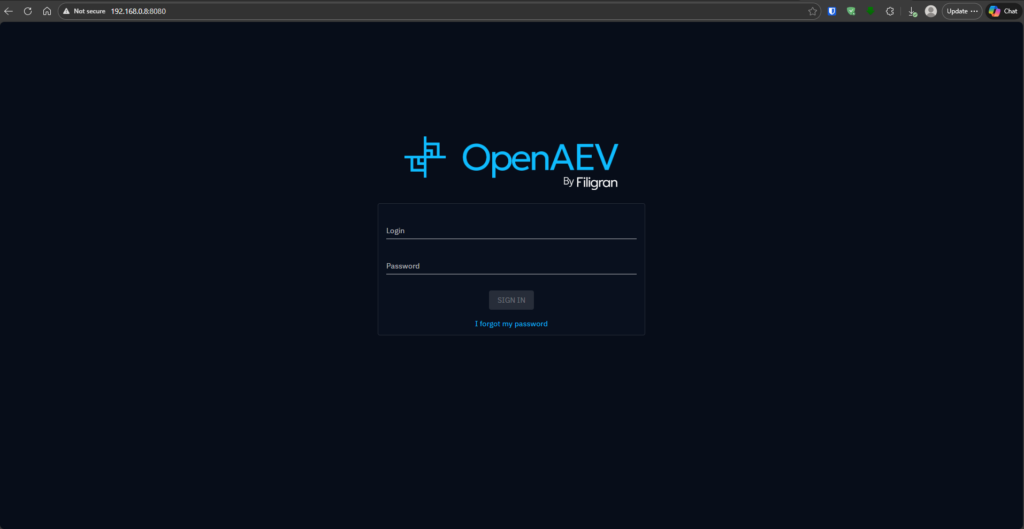
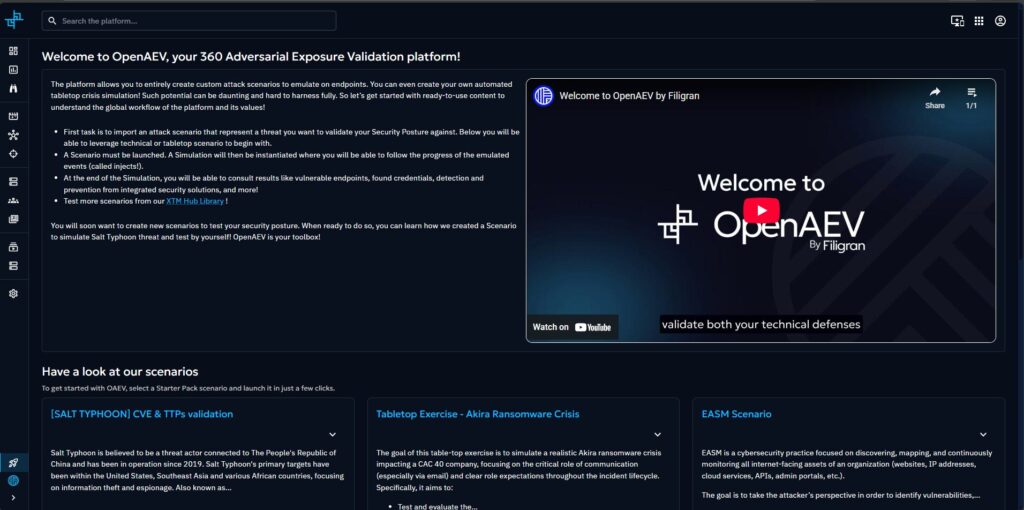
- OpenAEV UI was accessible via browser
- Admin login worked
- Core services (Postgres, Elasticsearch, MinIO, RabbitMQ) were healthy
System resource usage was monitored using:
htop
top
Step 5: Agent Installation (Optional but Important)
OpenAEV agents are installed on target systems to execute tasks.
The platform provides a generated install script, typically downloaded like:
curl -fsSL http://<openaev-host>:8080/api/agent/installer/openaev/linux/service/<agent-id> | bash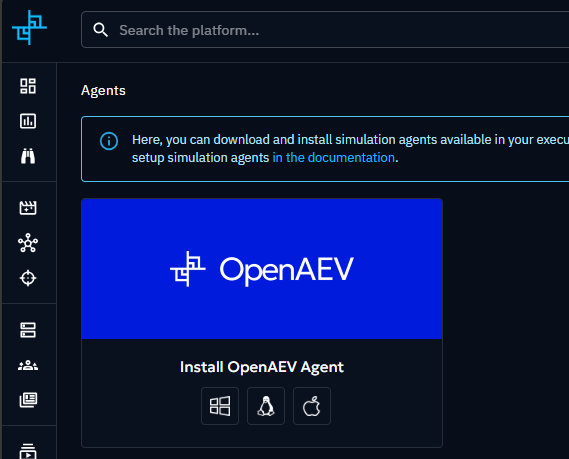
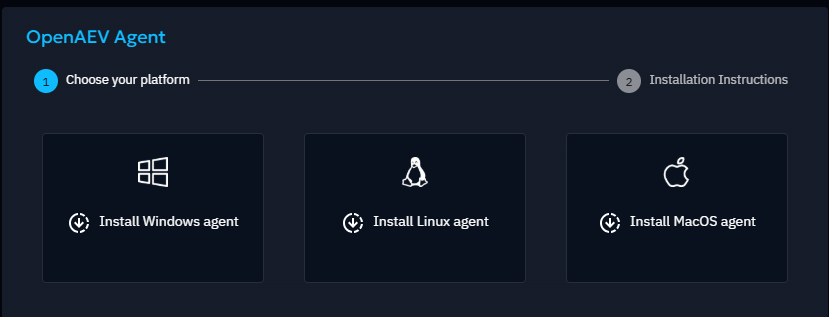

Important notes:
- Ensure the script points to the correct OpenAEV server URL
- Avoid
localhostif the agent is on a different host - After installation, verify:
systemctl status openaev-agent
journalctl -u openaev-agent
Once running, the agent should appear in the OpenAEV console.
Exploring OpenAEV in Action
After completing the deployment, I explored various components of OpenAEV through the web console. Below are a few highlights from the platform, along with screenshots captured during testing.
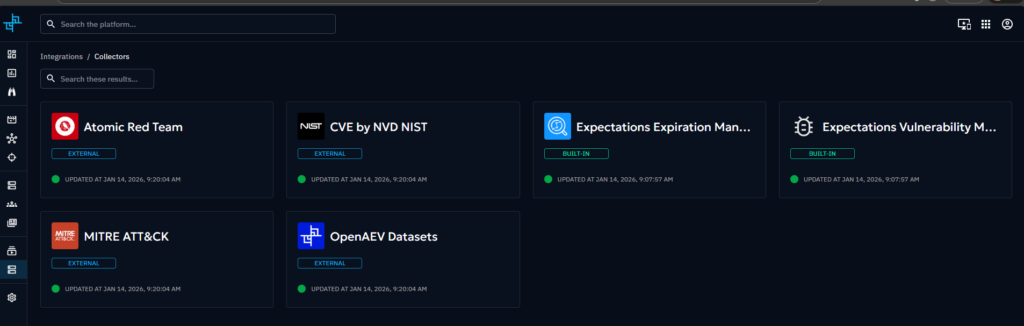
🔹 Collectors
OpenAEV collectors are responsible for ingesting external security knowledge and data into the platform. This includes sources like:
- MITRE ATT&CK techniques
- NVD / NIST CVE data
- Atomic Red Team tests
These collectors continuously enrich OpenAEV with up-to-date attack techniques and vulnerability intelligence, forming the foundation for realistic attack simulation and validation.
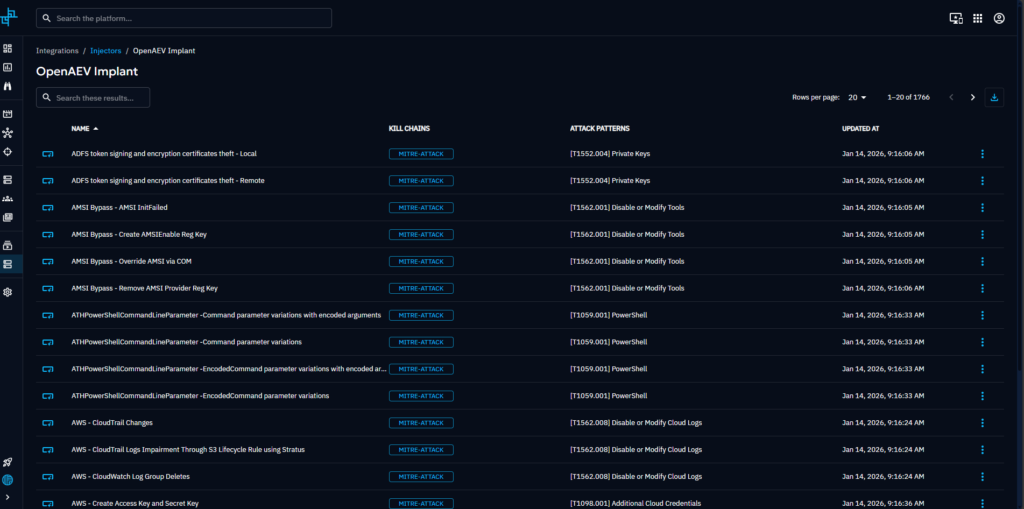
🔹 Injectors
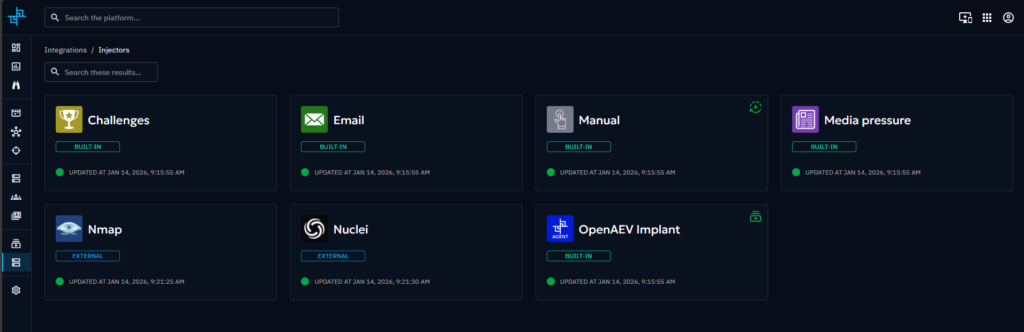
Injectors are used to actively run tools and tests against target systems. Examples include:
- Network scanning
- Vulnerability probing
- Attack surface discovery
Injectors allow OpenAEV to simulate how real-world tools interact with systems, making the testing more practical and measurable.
🔹 Executors & Implants
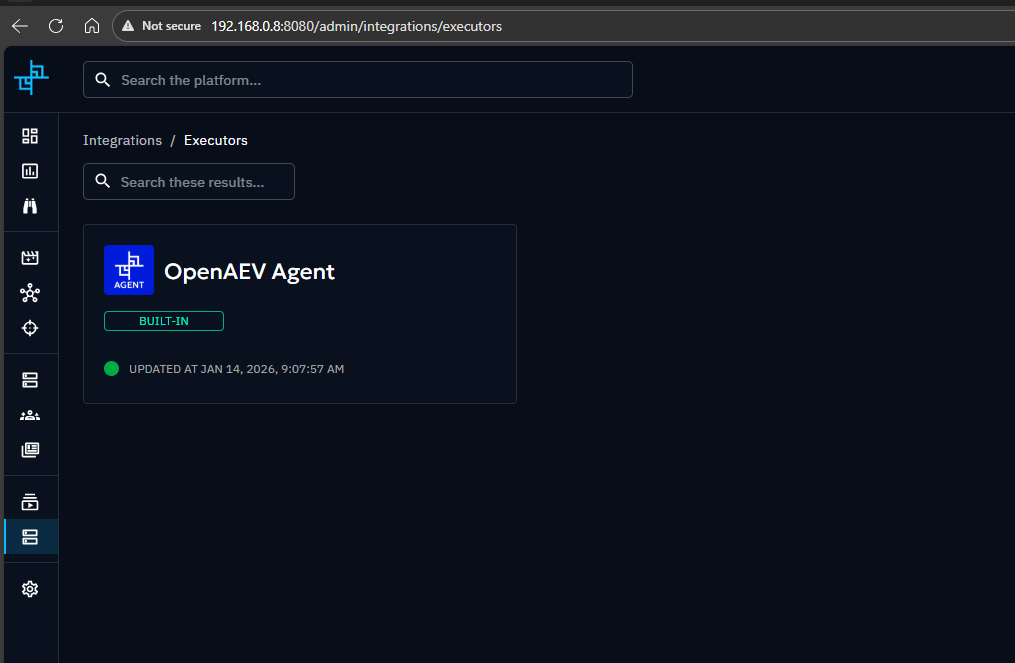
Executors define how actions are executed on target endpoints, often through installed agents (implants).
Once an OpenAEV agent is installed on a system:
- The platform can run controlled actions remotely
- Commands are executed in a monitored and auditable manner
- Results are sent back to the OpenAEV console
This model is similar to how modern EDR and response platforms operate, but designed for validation and testing, not persistence or abuse.
🔹 Installed Agents
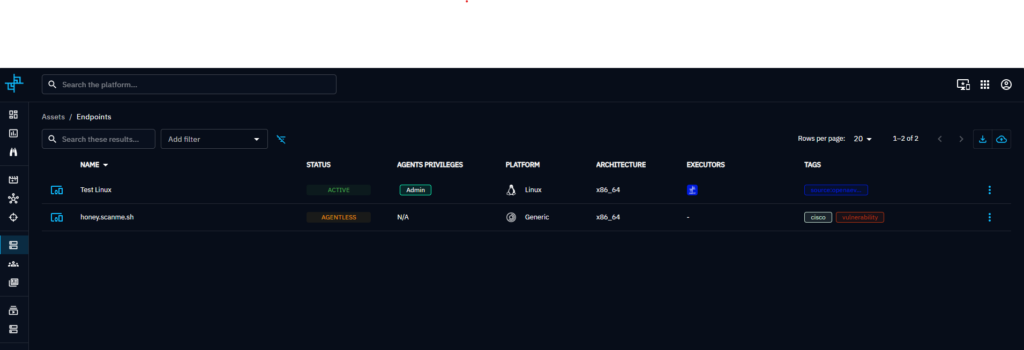
After installing the OpenAEV agent on a test system:
- The agent appears in the console
- Its status and connectivity are visible
- It becomes eligible for test execution
Agents act as the bridge between OpenAEV and the endpoint, enabling realistic endpoint-level validation.
🔹 Test Scenarios
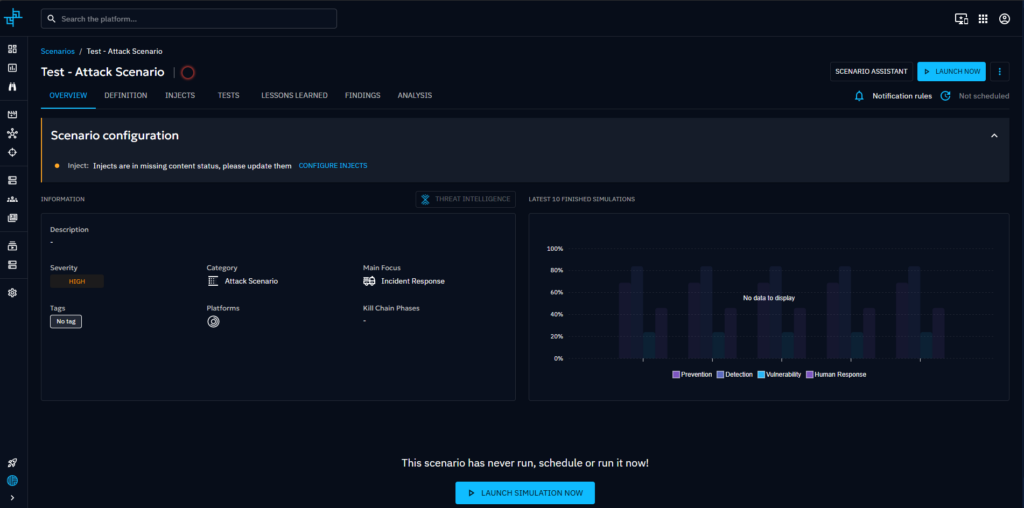
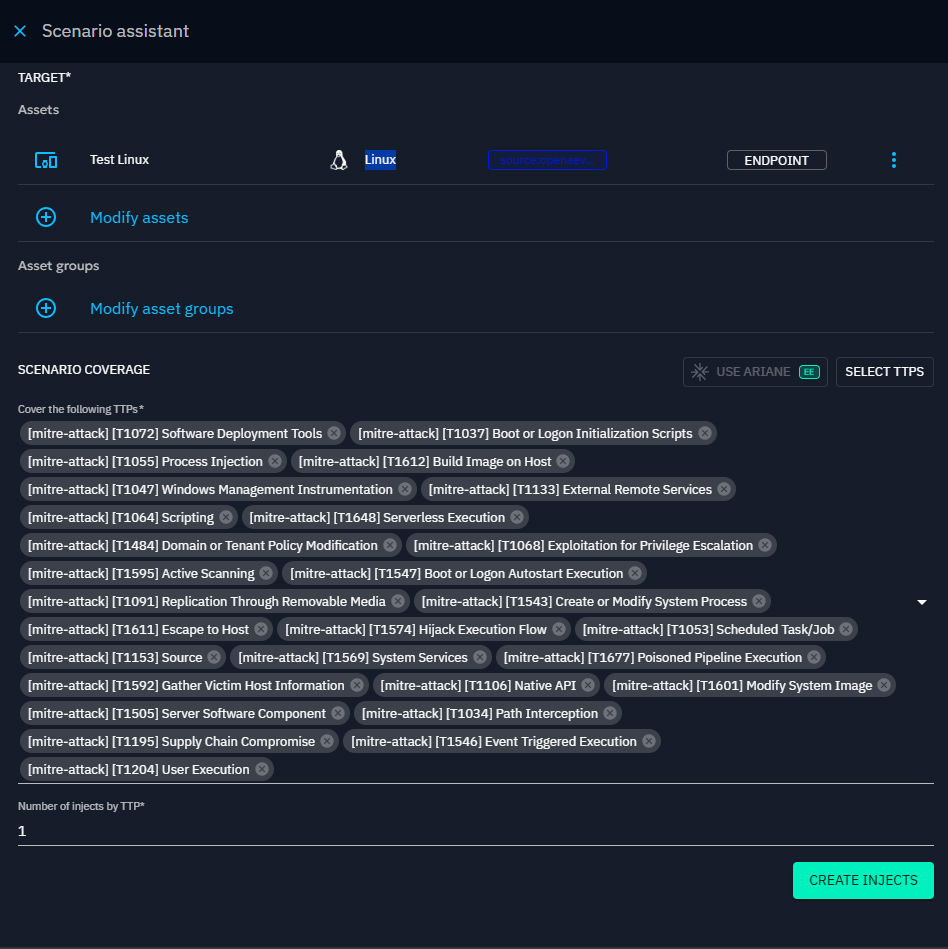
OpenAEV allows creating test scenarios that combine:
- Collected attack techniques
- Injectors
- Executors and agents
These scenarios help validate whether security controls detect, block, or respond to simulated attack behaviors. This makes OpenAEV useful for purple team exercises and continuous security validation.
Why This Matters
Seeing these components working together — collectors feeding intelligence, injectors running tools, agents executing tasks, and scenarios tying everything together — gives a clear picture of how OpenAEV approaches security validation in a structured and controlled way.
Lessons Learned
- OpenAEV is powerful but not lightweight — plan resources accordingly
- Elasticsearch configuration is critical
- The admin token (UUIDv4) is mandatory and easy to miss
- Agents may silently fail if server URLs are incorrect
Final Thoughts
Deploying OpenAEV in a self‑hosted Docker environment is a great learning experience for anyone interested in:
- Security validation
- Purple teaming
- SOC tooling
- Attack simulation frameworks
I’ll be exploring executors, injectors, and EDR integrations (like Nmap, Nuclei, and vendor RTR concepts) in future posts.
If you’re running a home lab or experimenting with security tooling, OpenAEV is definitely worth a look.
References & Open-Source Information
This project and its documentation reference components and ideas inspired by open-source platforms. Below are the official links and licensing details for OpenAEV for transparency and attribution.
📌 Project Links
- Changelog / Releases
https://github.com/OpenAEV-Platform/openaev/releases - License
https://github.com/OpenAEV-Platform/openaev/blob/master/LICENSE - Documentation (Community / Open-Source Edition)
https://docs.openaev.io/latest/ - Documentation (Enterprise Edition)
https://docs.openaev.io/latest/administration/enterprise/
Note
This blog post references OpenAEV for documentation and open-source attribution purposes only.
All trademarks, licenses, and intellectual property remain with their respective owners.
Thanks to OpenAEV for Open-Sourcing the Platform
Thanks to the OpenAEV team for releasing an open-source version of their platform. Having access to a real security validation and attack emulation framework makes a huge difference for home-lab users, students, and security practitioners who want to learn by doing.
Being able to self-host, explore the internals, and experiment safely is invaluable. OpenAEV’s open-source release is a strong contribution to the security community, and it’s appreciated by people building and learning outside of large enterprise environments.